How to Automate Business Calls with AI in India: Step-by-Step Guide (2025)
Automating your business calls with AI is no longer a luxury for large corporations. Here's exactly how Indian SMBs can deploy an AI voice agent in 72 hours — step by step.
Three years ago, AI voice calling was only for large enterprises with six-figure technology budgets. In 2025, an Indian SMB with 5 employees can deploy a fully customised AI voice agent in 72 hours for a one-time investment comparable to one month of a telecaller's salary. The barrier is gone. The only question is: where do you start?
This guide walks you through the exact process — from deciding your use case to going live with your first automated calling system in India.
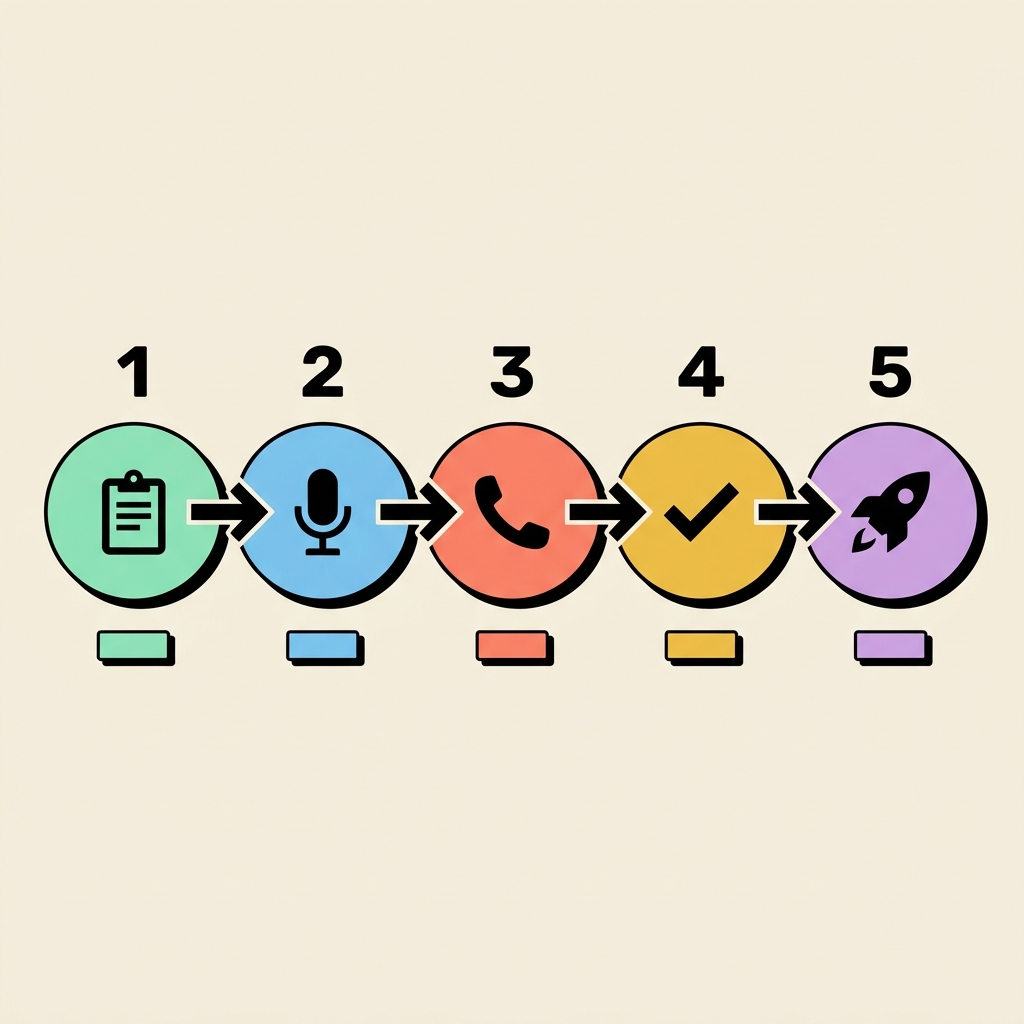
Step 1: Define Your Use Case Clearly
The most important decision before setting up an AI voice agent is deciding exactly what calls you want to automate. The two main categories are:
- Inbound: Handling calls that come to your business number — property enquiries, appointment bookings, product FAQs, support calls
- Outbound: Your agent dials out to a list — lead follow-ups, payment reminders, renewal campaigns, customer surveys
Start with one use case. The most common starting points for Indian businesses are:
- Real estate: Inbound property enquiry handling
- Healthcare: Outbound appointment reminders
- Solar: Outbound lead qualification campaign
- EdTech: Outbound trial-to-paid conversion calls
Step 2: Write Your Call Script (or Let Us)
Your call script is the brain of your AI agent. It defines how the agent opens the call, what questions it asks, how it handles common objections, and what it does at the end of each call.
A good inbound script has:
- A friendly greeting that introduces your business
- 3–5 qualification questions (budget, location, timeline)
- Answers to the top 10 FAQs your callers ask
- Objection-handling for the 3–4 most common pushbacks
- A clear call-to-action (book a visit, confirm a callback, connect to a human)
At MOFI, we write the script for you based on your industry. Most clients send us their existing sales pitch, and we convert it into an AI-ready conversation script within 48 hours.
Step 3: Build Your Knowledge Base
Your AI voice agent needs to know your business thoroughly. Before going live, prepare:
- Your product or service details (price, features, specifications)
- Your office locations and working hours
- Your team's names and roles (for transfers: "Let me connect you with Ravi from our sales team")
- Your promotions, offers, or ongoing campaigns
- Your refund or cancellation policy if relevant
The richer your knowledge base, the more confidently and accurately your agent answers caller questions. MOFI builds this from a simple Google Form or WhatsApp conversation — no technical work required from your side.
Step 4: Get a Dedicated Phone Number
Your AI voice agent operates on a dedicated phone number. This can be:
- A new local number (e.g., a Hyderabad or Chennai STD code for regional trust)
- A toll-free 1800 number for large-scale inbound operations
- Your existing business number (ported to the AI system)
MOFI provisions your number as part of the setup process. Most businesses get a local number that matches their city code to build immediate trust with callers.
Step 5: Test Thoroughly Before Going Live
Before your agent handles real customers, it needs thorough testing. MOFI runs your agent through:
- 100+ test calls simulating real caller scenarios
- Edge case testing (angry callers, irrelevant questions, long silences)
- Language accuracy checks (Telugu pronunciation, Hindi transliteration)
- Integration testing with your dashboard and CRM
After testing, you approve the final agent behaviour before go-live. Any changes at this stage are made within 24 hours.
Going Live: What Happens in the First Week
Once your AI voice agent goes live on your dedicated number:
- Every inbound call is handled within 3 seconds, 24/7
- Every outbound call in your list is dialled automatically per your schedule
- All leads are captured in your dashboard with call summary, transcript, and lead score
- You receive WhatsApp/email notifications for every hot lead
In the first week, MOFI monitors your live calls daily and makes fine-tuning adjustments based on real caller behaviour. Most agents reach optimal performance within 5–7 days of going live.
The MOFI 72-Hour Deployment Process
- Day 1: Discovery call with MOFI team — use case, script, knowledge base, language
- Day 2: Agent development and internal testing by MOFI engineers
- Day 3: Client review call — you test the agent live and give feedback
- Day 3 (evening): Final adjustments, number provisioning, go-live
Frequently Asked Questions
- Do I need any technical knowledge to set up an AI voice agent?
- Zero. MOFI handles everything — script writing, AI training, number setup, dashboard access, and monitoring. You just need to brief us on your business and review the agent before go-live.
- How do I update the agent after it's live?
- Send your requested changes to MOFI via WhatsApp. Most minor updates (price changes, new offers, revised scripts) go live within 24–48 hours. Major additions take 3–5 days.
- Can I run both inbound and outbound from the same agent?
- Yes. Many clients start with inbound-only and add outbound calling campaigns within the first month. The same agent can handle both flows with different scripts per call direction.
- What CRM or tools can it integrate with?
- MOFI integrates with Google Sheets, WhatsApp Business API, most Indian CRMs, and custom webhook-based integrations. Ask us about your specific stack.
Get your AI voice agent live in 72 hours. Telugu, Hindi & English. No technical setup required.
Book a Free Demo →